ForgeFab Design Tool
Commercial Building Designer
Use this tool to sketch your building concept, choose dimensions, place openings, and send us a clean RFQ for engineering and pricing.
Important:
If you select a ForgeFab Model inside the design tool, do NOT modify the model to request a quote.
✔ Submit the standard model as-is.
✔ If modifications are required, leave a note describing changes.
✔ Do not adjust geometry inside the designer for model-based quotes.
If you select a ForgeFab Model inside the design tool, do NOT modify the model to request a quote.
✔ Submit the standard model as-is.
✔ If modifications are required, leave a note describing changes.
✔ Do not adjust geometry inside the designer for model-based quotes.
Overview
How to Use the Design Tool
The designer allows you to select a building profile, adjust basic dimensions, add doors, and submit a structured RFQ directly to ForgeFab. If selecting a standard model (U-Series or S-Series), keep the model unchanged and instead add notes for any requested revisions.
Launch Builder
Open the External Design Tool
The ForgeFab Designer will open in a new browser tab.
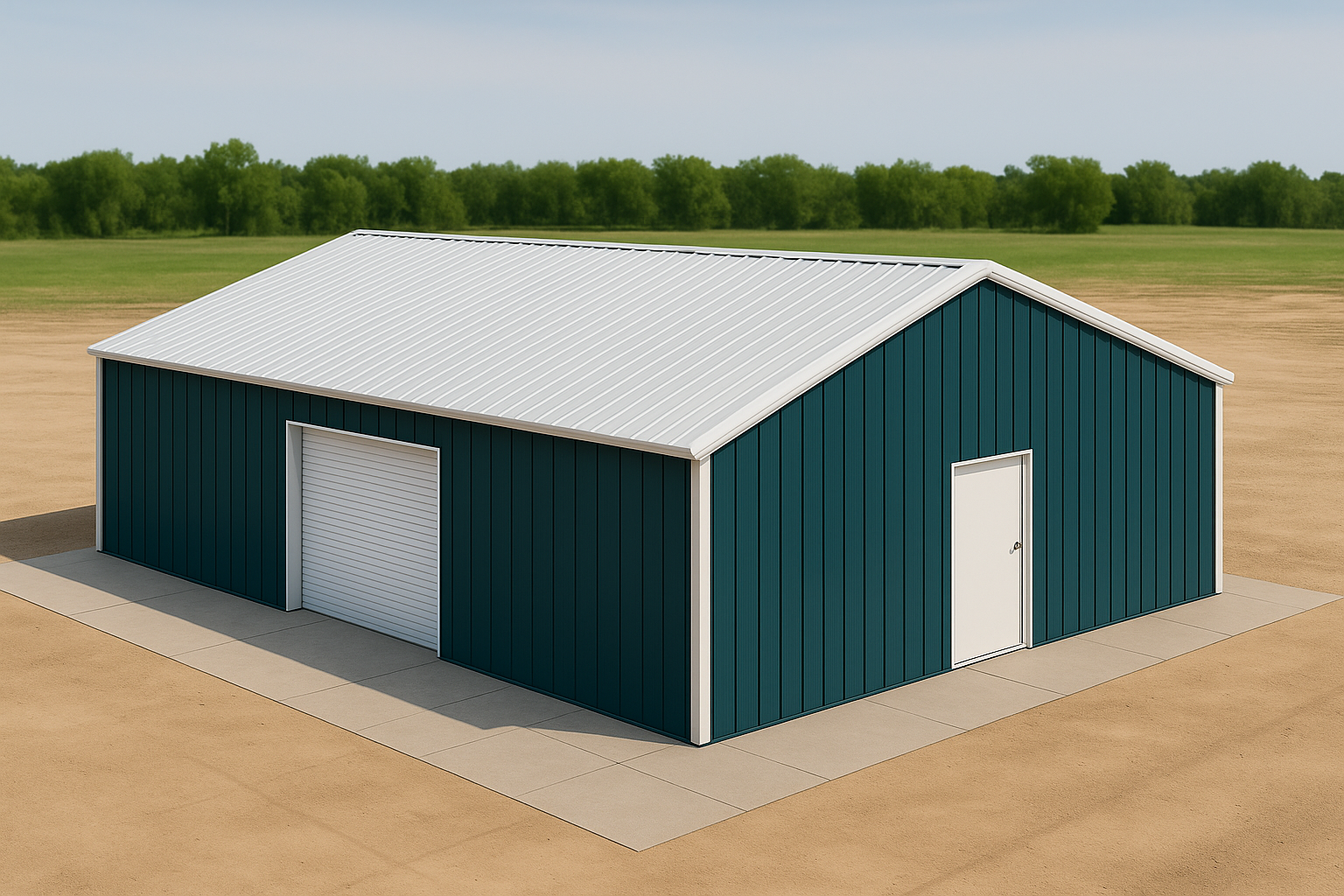
When you're ready, click below to launch the full interactive building designer provided through ACT Building Systems.
Open ForgeFab Design Tool(The designer will open in a new tab. Return here anytime for supporting resources.)